
We use Perforce as the version control tool. I was trying to integrate both Mac and Windows version of FMOD in our UE project a few days ago. However, many compiling and "cannot open the UE project" were reflected by other engineers. I did some research and fixed all of them. I think FMOD should document this on its website tutorial.
Downloading
- Go to the official website and download both Mac and Windows version of FMOD for Unreal.
- Extract one version, and then extract the other version to the same folder. Since most of the plugin files are the same, we only need some extra libraries from a specific version (for example Mac). So, extract them to the same folder will do this job.
- Now you will have FMODStudio, FMODStudioNiagara, FMODStudioOpenXR, and a README under the folder. I am using 2.0311 FMOD version and UE5.6. You may have different folders if you are using different versions.
UE Integration
- Create a /Plugins folder under the project root folder if you don't have one.
- Move everything (FMODStudio, FMODStudioNiagara, FMODStudioOpenXR, and a README) under /Plugins.
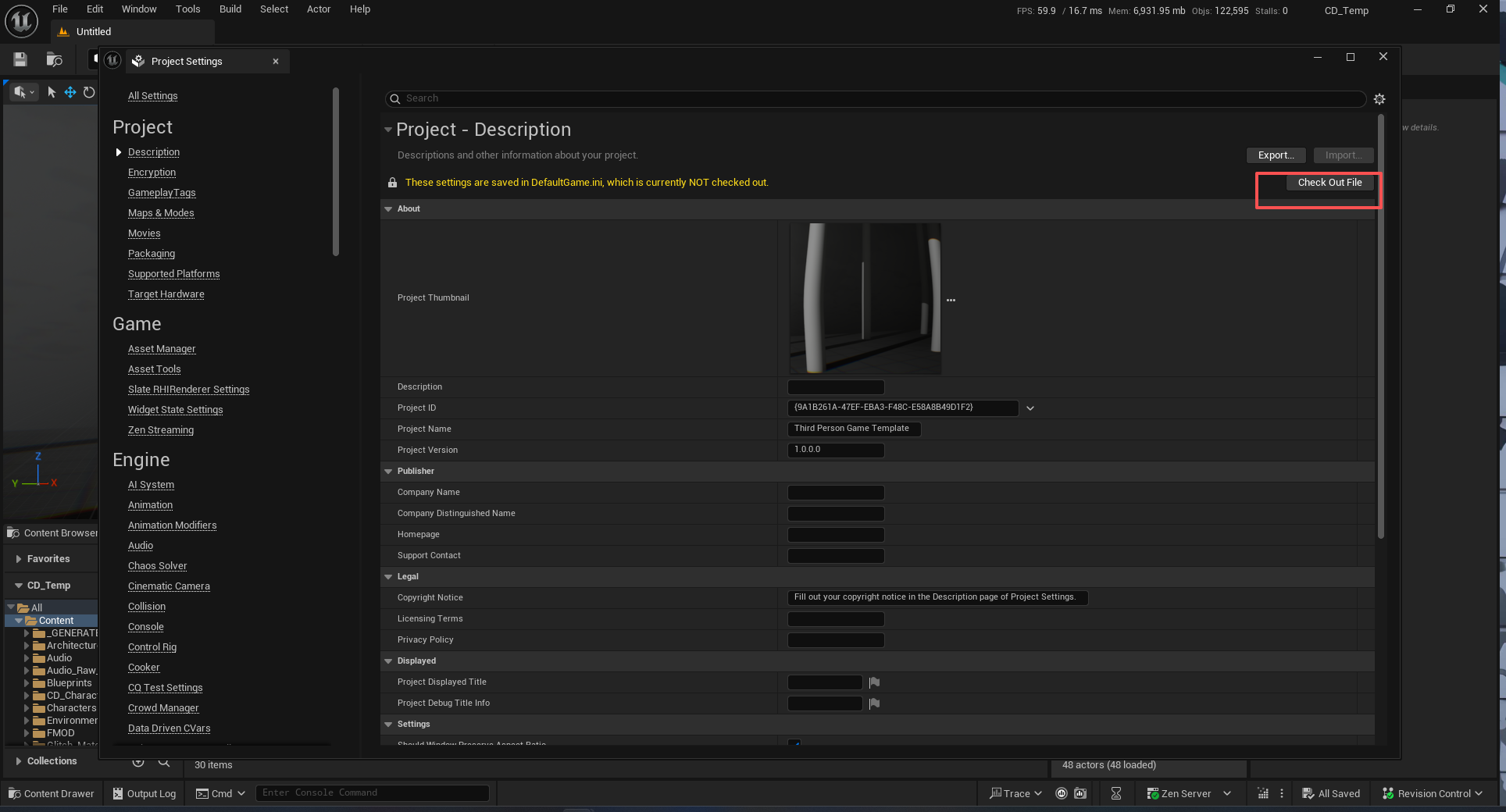
- Open your .uproject. Go to your project setting. Click Checkout:
- Find FMOD Studio under Plugins section.
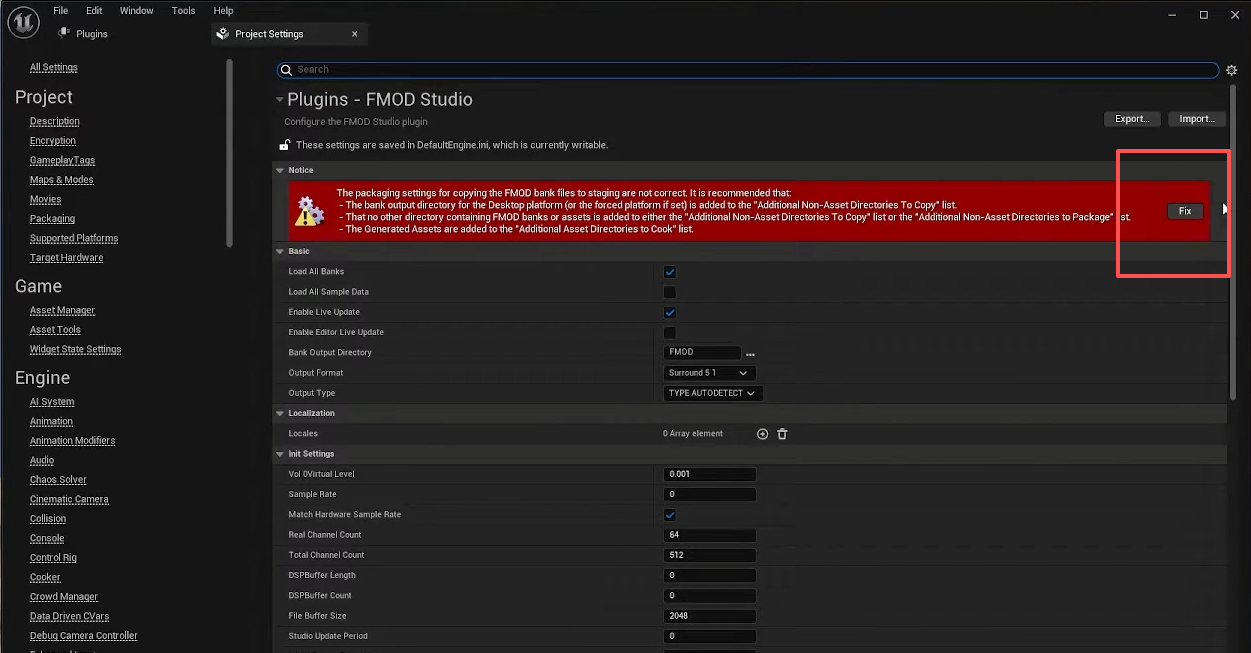
- Click "Fix".
- Now you finish setting things up in UE. Go back to your Perforce, you can see your project setting file is checked out. Ctrl + D to see the difference:
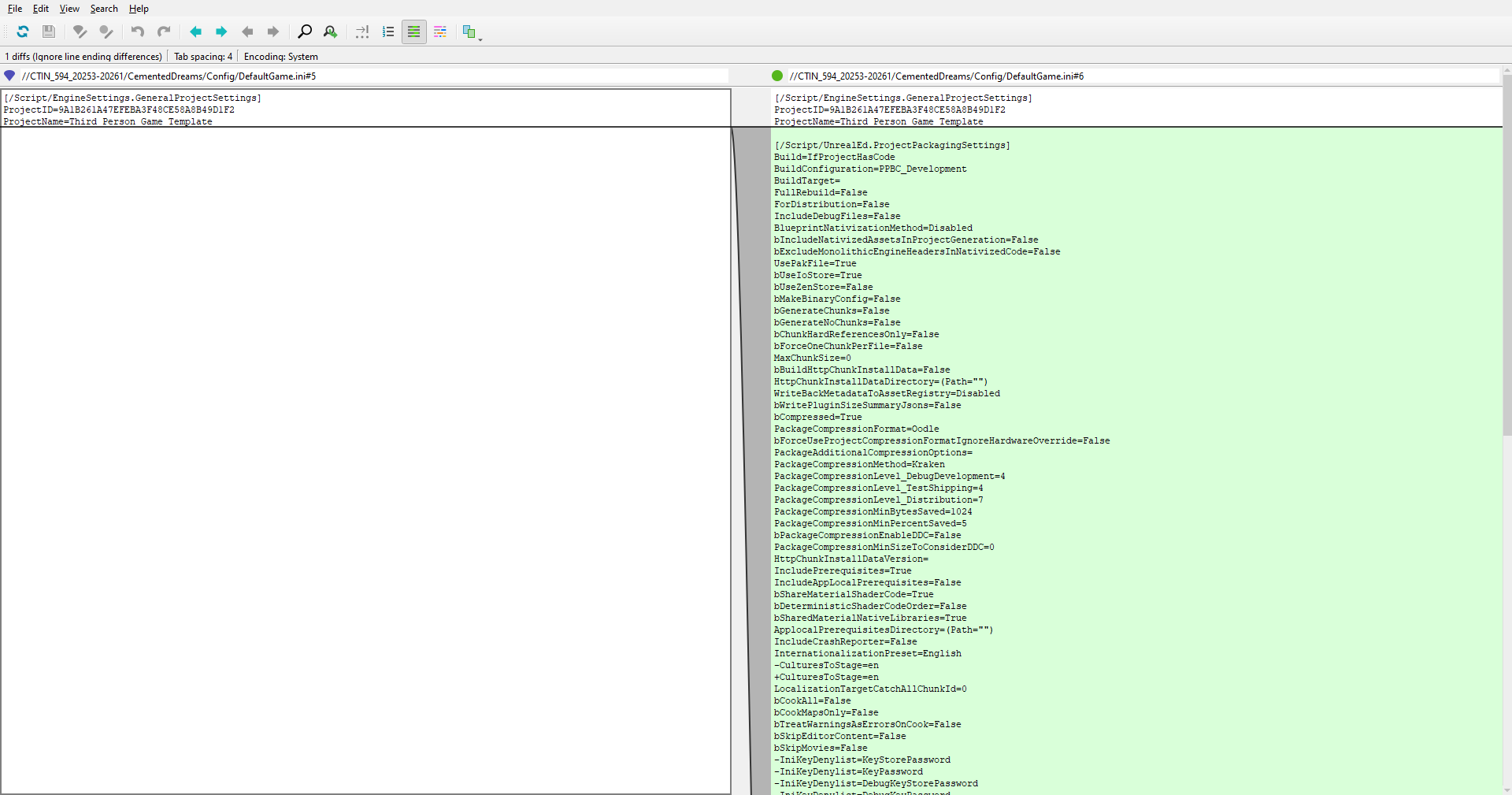
Perforce setting
FMOD is not open-source. When you submit the changelist, you have to include its Binaries. Do not include Intermediate, or you cannot rebuild the whole UE project because now Perforce will limit you from exporting and renaming your build files. So,
- Update your .p4ignore: (FMODStudioOpenXR does not have Binaries)
# FMOD files
*.unsaved
*.cache
*.user
!Plugins/FMODStudio/Binaries/
!Plugins/FMODStudio/Binaries/**
!Plugins/FMODStudioNiagara/Binaries/
!Plugins/FMODStudioNiagara/Binaries/**- Submit your project setting file, .p4ignore, and your FMOD plugin files.
Hope this will be helpful!